Where Is My Work? — How AI Tools Quietly Fragment Your Files

“There’s nothing much to say.” I told Fred at the Apple Genius Bar as I showed him how bent my Macbook Pro was after an accident. It’s just the enclosure, he assured me.
I was unfazed. Since suffering viruses, hackers and general hardware failures, I already knew how important backing up my data was. Git repos? All on GitHub. Documents? Nextcloud — my self-hosted cloud sync — handles those automatically. I even asked Claude to audit my files before I handed my laptop over. Everything looked covered.
Then I opened my iPad to actually work.
Presentation drafts I'd been building through Claude Cowork, Anthropic's desktop AI agent that works with your local files? Stranded in a local folder. A blog post sitting at 30%? Same story. I went looking for files I was sure existed and kept hitting walls.
I checked Nextcloud. There it was — a sync error on my Mac that I'd missed. Or rather, it had shown a cryptic warning I hadn't investigated. Turns out the sync had silently broken days ago. The cause was almost funny: I'd used Cowork to build a reveal.js presentation, which spun up a local server and generated a node_modules folder. Thousands of tiny files, sitting inside my Nextcloud directory, choking the sync engine. One tool's artifacts broke another tool's backup chain.
Neither tool failed on its own. The interaction between them created the blind spot.
That's when I realised my problem was bigger than a broken sync.
My mental model was wrong
I'd been carrying around a simple map of where my work lives. Code goes to GitHub. Documents go to Nextcloud. Two zones, both backed up. This worked for a long while.
But somewhere in the last few months, that map stopped being accurate — and I didn't notice. Sitting on the iPad, hitting wall after wall looking for files I was sure existed, I felt something I hadn't expected: not anger, but embarrassment. I'm a lawyer who builds with these tools daily. How did I miss this?
When I actually sat down and traced where my files had ended up, the list was longer than I expected. Claude.ai conversations holding research and draft paragraphs that never made it into a document. The sandboxed folder I'd pointed Cowork at for that reveal.js presentation. All local. All outside my backup chain.
I've written before about building workflows inside Cowork — it's a genuinely useful tool. But the more I looked at it now, the more I realised how much trust I'd been placing in layers I didn't understand.
 Houfu Ang
- Cowork runs your work inside a sandboxed environment on your machine. Files are supposed to sync back to your filesystem as they're written — but if a task fails mid-execution, or the cloud connection drops while the AI is still working, incomplete outputs may never make it back. There are reports of workspaces getting bricked after a single bad task — the only fix being to delete everything and start over.
- Anything Cowork builds for itself during a session — skills, settings, memory — lives in ephemeral directories that get permanently deleted on cleanup. Your work product might survive. Cowork's context about how it was helping you won't.
Claude Code has a similar hidden layer: a ~/.claude/ folder storing session histories, auto-memory, and todos — none of which syncs anywhere. After months of Claude learning my project patterns, that accumulated context isn't nothing. But at least those files persist between sessions. With Cowork, even that isn't guaranteed.
And then there was the one that stung most. I'd been using Claude Code on the web for months, where it auto-commits and pushes to GitHub constantly. I thought that all my coding work was automatically committed and pushed.
When I got /remote working on my local machine, the interface looked identical to my phone — same Claude Code, same commands, same feel. But commits weren't happening automatically. The familiar UX masked that my work was living somewhere entirely different.
I had a backup system. It just hadn't kept up with my tools.
The tools are moving faster than our habits
Here's the thing — I don't think this is a story about being careless. Claude Cowork shipped on January 12, 2026. Claude Code's Remote Control followed on February 25. Six weeks. Two entirely new environments where work can live, each with different persistence assumptions.
I needed to learn how to use these new tools
Our security and compliance instincts don't update that fast. Nobody's do. I analysed over 7,000 agent runs recently and even the skills I'd built were environment-specific — what works in Claude Code on the cloud doesn't necessarily work locally or in Cowork. The fragmentation goes all the way down.
A recent HBR study coined the term "brain fry" for this: the most draining part of using AI wasn't the AI itself — it was the oversight, the constant managing of where outputs go and what's saved where. That cognitive overhead concentrates at the seams between tools, where no single system tracks what another creates. It's exactly what happened to me.
 Julie Bedard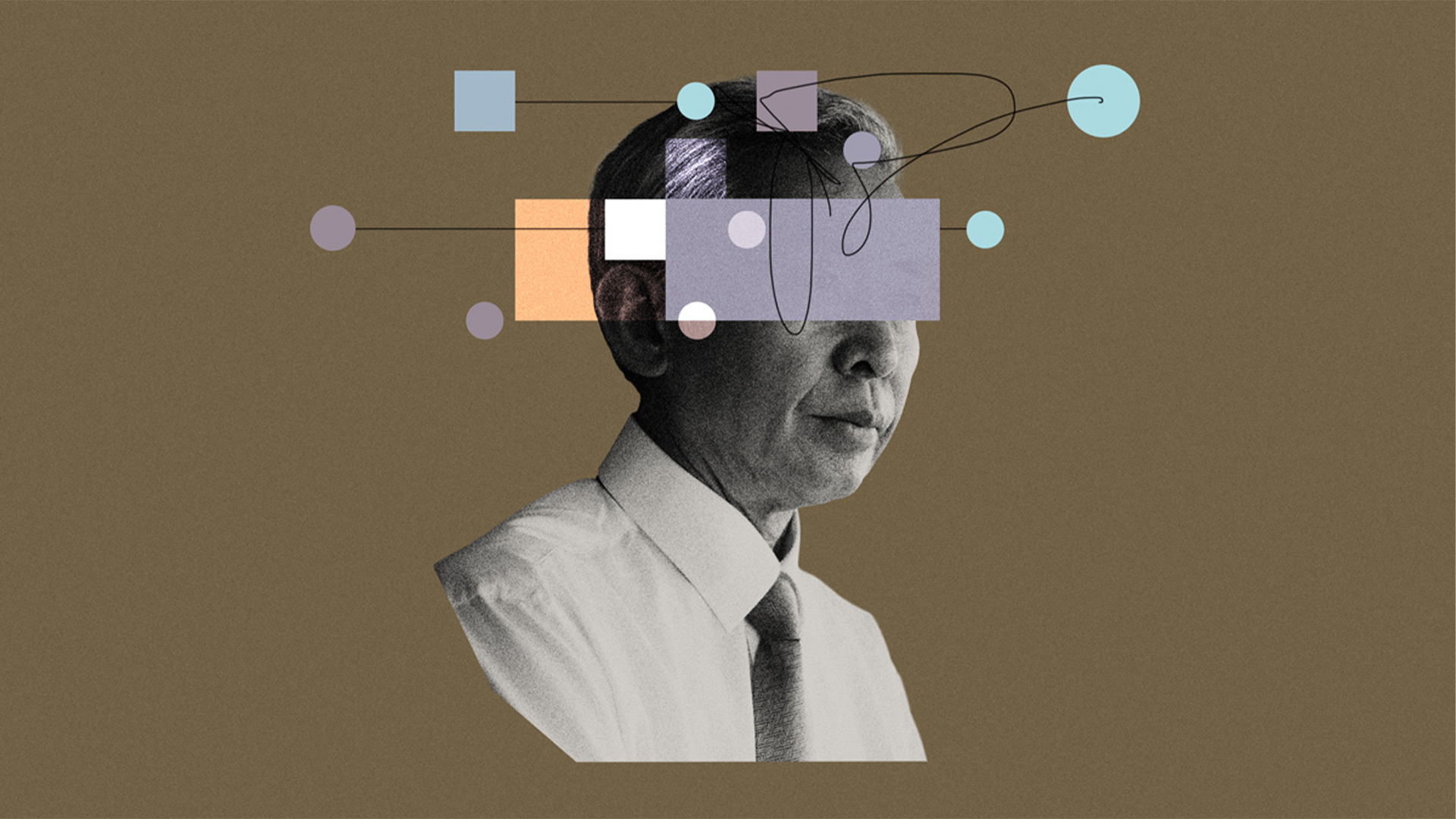
What I'm doing about it
I'm still re-mapping. But the process has taught me that four questions help cut through the noise:
- Where do you think your work lives? Write it down. For me there are a few zones: my Macbook, git and Nextcloud. The point isn't the answer — it's forcing yourself to articulate the mental model you're actually relying on. If you don’t have a firm idea, it's probably more outdated than you think.
- For each AI tool you use: which zone does it belong to? This is where the blind spots surface. Cowork saves to a local sandbox. Claude Code on the cloud auto-commits; locally it doesn't. ChatGPT conversations live on OpenAI's servers but aren't in your backup chain. If the answer is "I'm not sure" — treat it as local-only and unbackable until you can confirm otherwise. And remember to check for both your work product (documents, code, drafts) and tool state (session history, memory, settings) — losing them has different consequences.
- When did you last verify your backup actually works? Not "is it set up?" — "is it currently running?" My Nextcloud sync had been broken for days. The Mac client showed a warning, but not clearly enough to trigger action. Everything continues to work, but you only realise backup doesn’t work when it doesn’t.
- What changed in the last three months? New tools. New features. New environments you started using without thinking about where they store files. If you adopted anything new since your last backup check, your mental model is probably outdated. Mine was.
I don't have clean answers to all four yet. I'm writing about the problem while still being inside it.
For solo counsels and small teams
I've written about how AI gives solo practitioners real autonomy. I still believe that. But autonomy comes with responsibility for the infrastructure underneath — and if you're working without an IT department, that responsibility falls entirely on you. There's no sysadmin updating the backup policy when you adopt a new AI tool. There's no compliance team auditing whether your Cowork outputs are being preserved.
And for practitioners, this isn't just about lost work. It's about whether you can reconstruct what you produced and how. A research thread that exists only in a Claude conversation, a draft legal opinion that never left a local sandbox — if you can't recover the trail, you have a professional conduct problem, not just an inconvenience.
The question isn't "what's the best AI tool?" It's: "do I know where my work actually is?"
I wrote this post on my iPad, using Claude Code on the web — the very tool whose persistence assumptions caught me off guard. The irony isn't lost on me. If you haven't checked your own map recently, now might be a good time.
This post is open source. View the source files, discussion notes, and revision history on GitHub.




Member discussion